


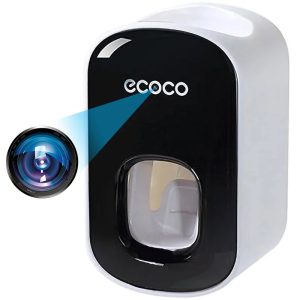
 Caméra Spion dans Distributeur de pâtes umeline IP74, Wi-Fi, Full HD, Senzor miscare
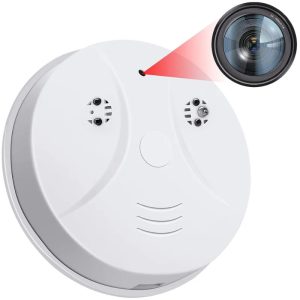 Caméra Spion Détecteur de fumée umeline D101, Wi-Fi, Visualisation 4K, Détection des erreurs
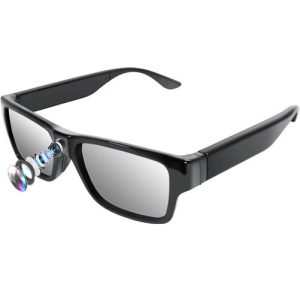 Appareil photo umeline G2S, Full HD, 32GB, Touch Control, Telecomanda
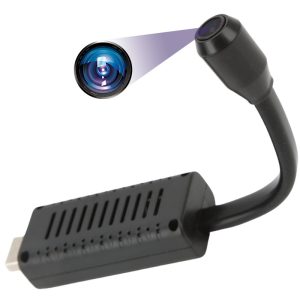 Caméra Spion umeline A12, Wi-Fi, HD, détecteur de mouvement, Alarme, Audio-Vidéo
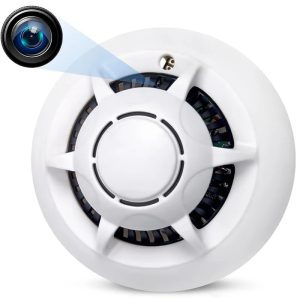 Caméra Spion Détecteur de fumée umeline D103, Wi-Fi, Visualisation 4K, Détection des erreurs
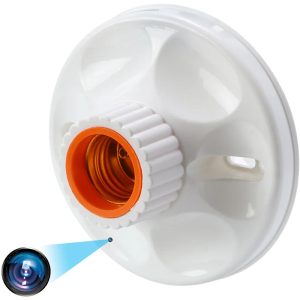 Caméra Spion in Dulie bec E27 umeline SB1, Wi-Fi, Full HD, Senzor miscare, Prindere tavan/perete
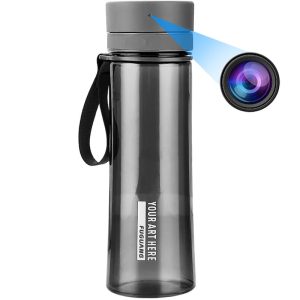 Sticla cu Camera Spion umeline IP48, Wi-Fi, Full HD, Senzor de miscare
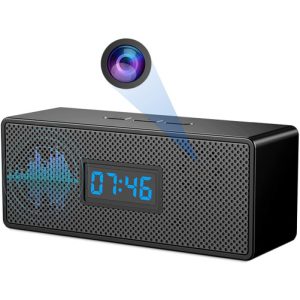 Ceas cu Camera Spion umeline IP45, WiFi, Full HD, Senzor de miscare
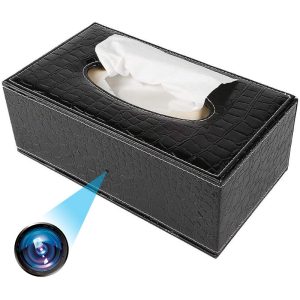 Caméra Spionaj in Suport servetele umeline IP73, Wi-Fi, Full HD, Senzor de miscare
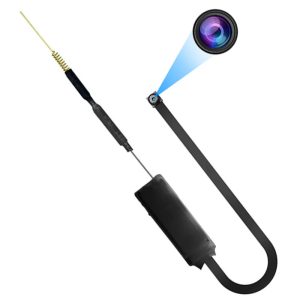 Module de caméra avec spion umeline IP49, Wi-Fi, P2P, capteur d'erreur
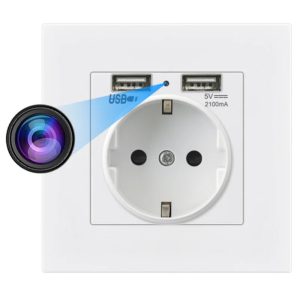 Caméra Spion dans Prix de la personne umeline PR1, Wi-Fi, Full HD, Senzor miscare
15 Nov UMELINE FAQs ④- Informations sur l'appareil
How do I view the device ID
· ID number is the unique identification number of the camera, and each camera only corresponds to one ID
· The ID number is an 8-digit number and can be viewed on the device body label
· If you have connected a device in the APP, you can view the ID in the top left corner of the device list window
How do I turn on/off the self-test function
Contact technical support to provide the configuration file
When the device self-tests
1) Upgrade the firmware version
2) If the firmware still cannot be turned on after upgrading, please contact the seller for repair.
Holding down the reset button will not activate anything
1) Make sure the button is pressed.
2) Upgrade the device firmware.
3) The recovery button may be damaged. Contact the seller to repair the equipment.
No Comments