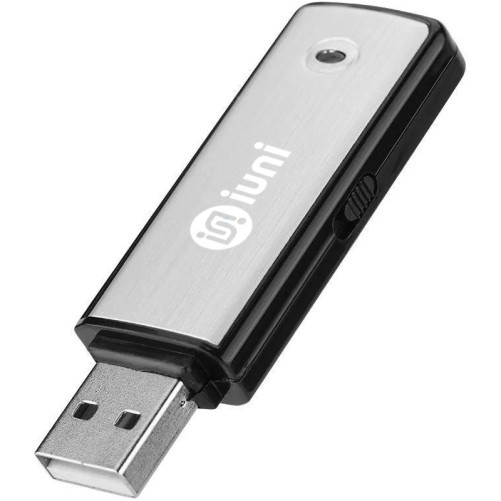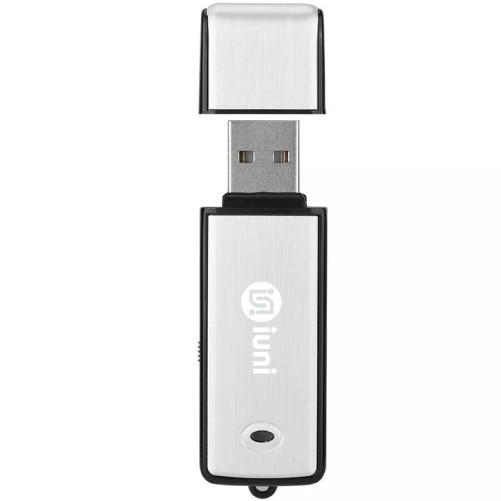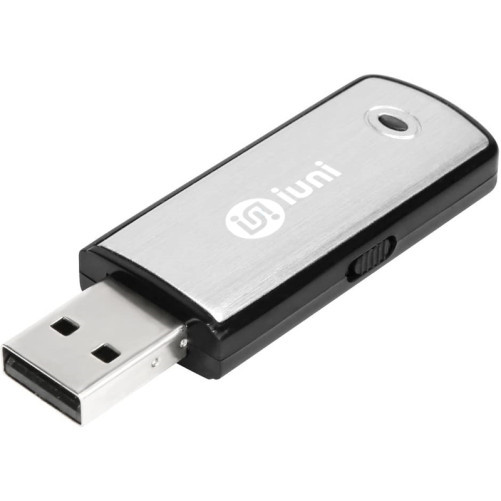


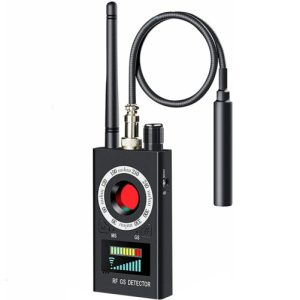
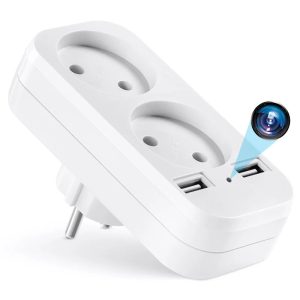
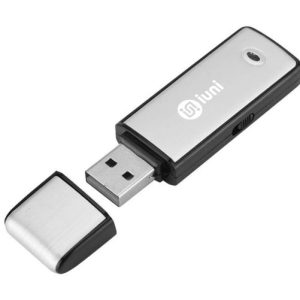
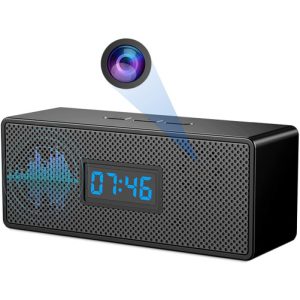
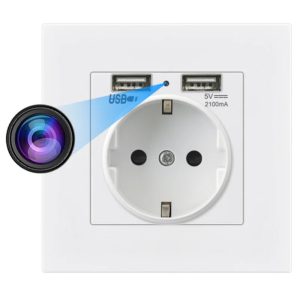
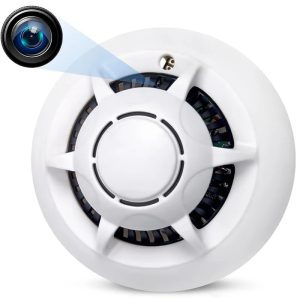
 Detector de camere si microfoane spion profesional umeline K18





UMELINE FAQ ⑤- Network and factory Settings restoration
How do I change the default network modeContact technical support to provide the configuration file How to restore factory Settings· Long press the RESET key for 6-7 seconds [to restore factory Settings], and the device will have a speaker indicating “Restore factory Settings”. “Restore factory