

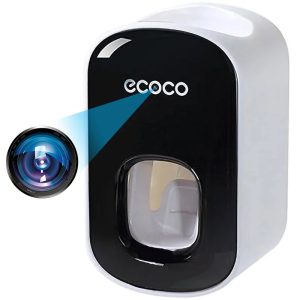
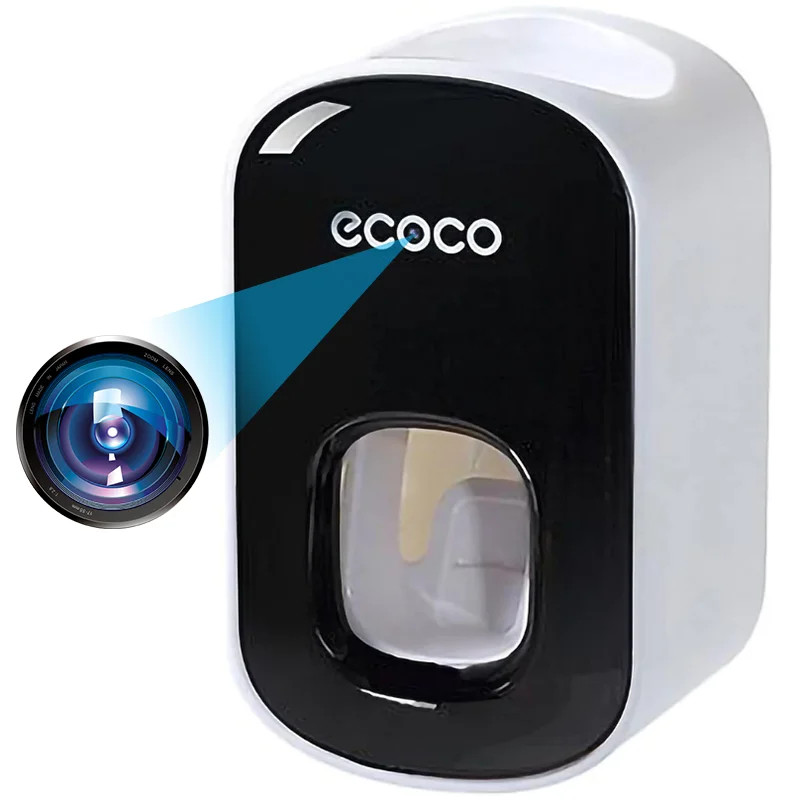
 Camera Spion in Dispenser pasta de dinti umeline IP74, Wi-Fi, Full HD, Senzor miscare
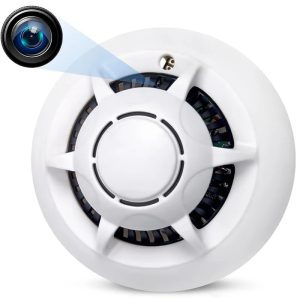
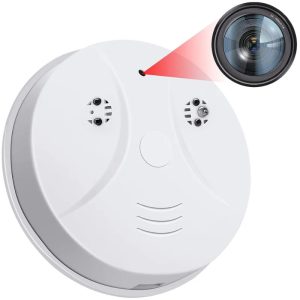 Camera Spion Detector de fum umeline D101, Wi-Fi, Vizualizare 4K, Detectare miscare
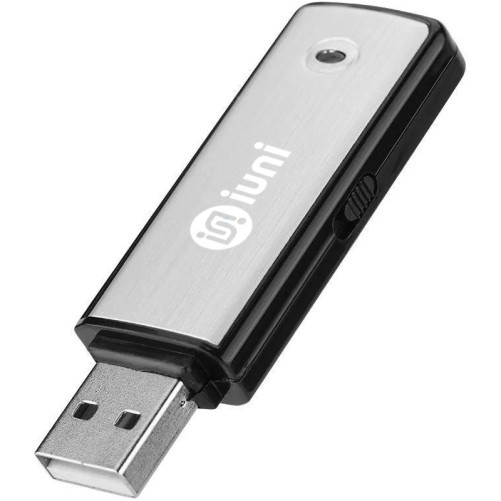
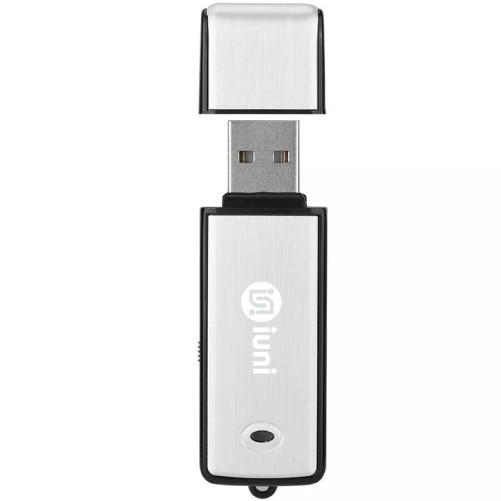
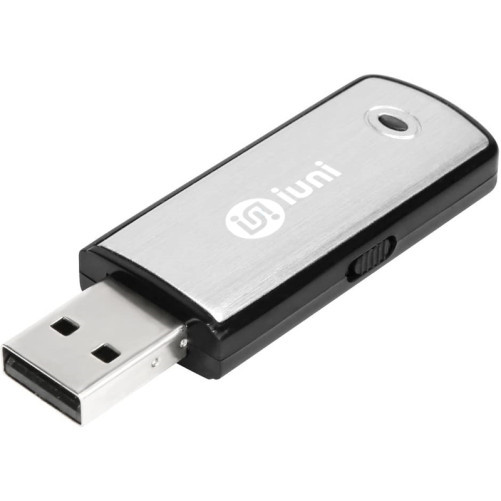
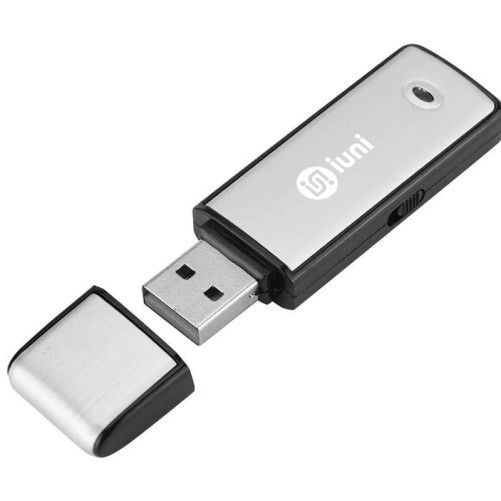
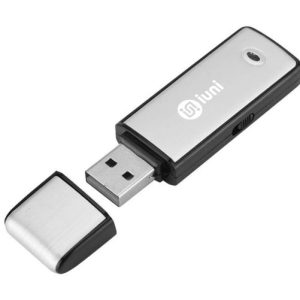 Stick USB Spion Reportofon umeline STK100, 16GB, 18 ore Autonomie, 180 ore inregistrare
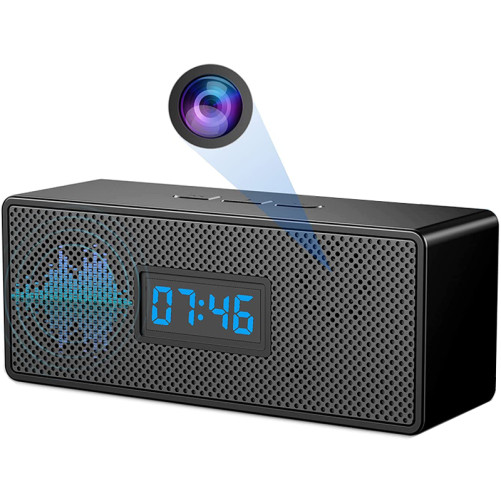
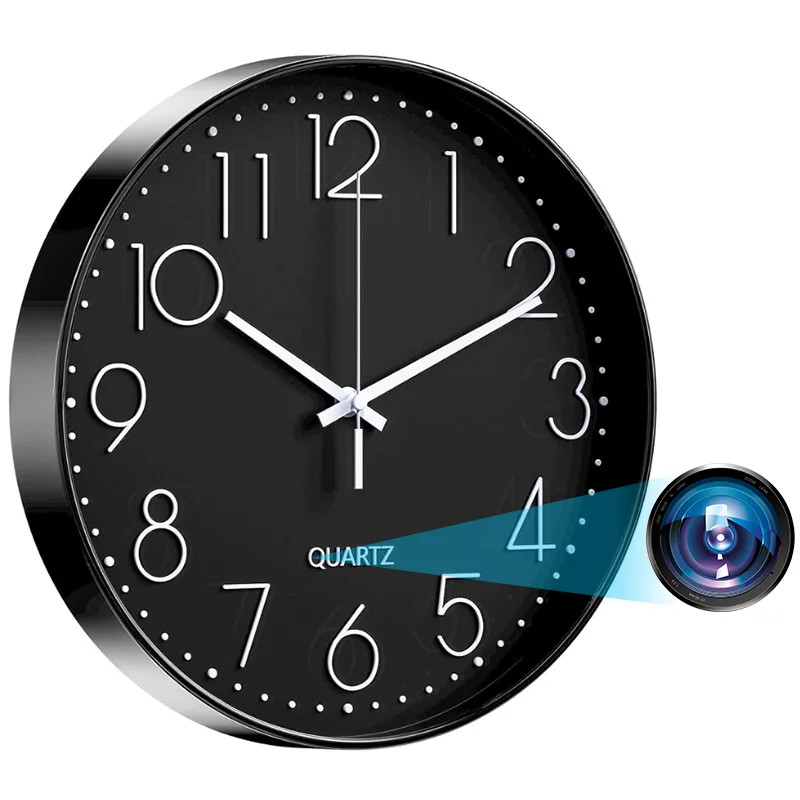
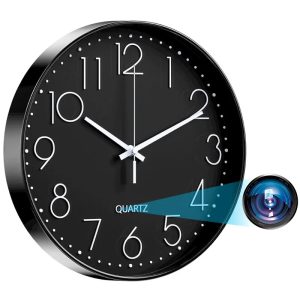
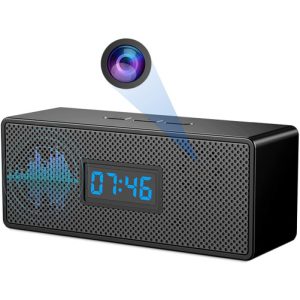 Ceas cu Camera Spion umeline IP45, WiFi, Full HD, Senzor de miscare

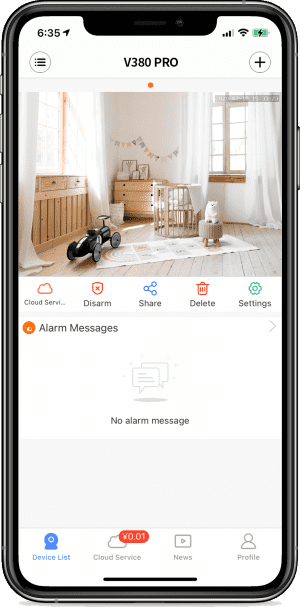

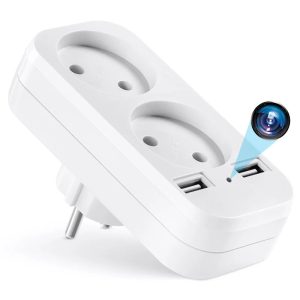
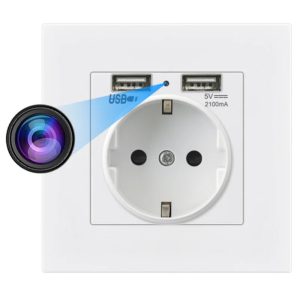
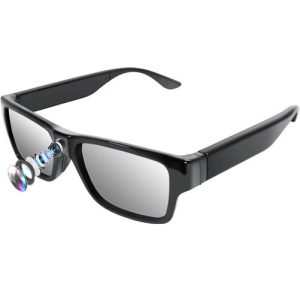
UMELINE FAQ ⑤- Network and factory Settings restoration
How do I change the default network modeContact technical support to provide the configuration file How to restore factory Settings· Long press the RESET key for 6-7 seconds [to restore factory Settings], and the device will have a speaker indicating “Restore factory Settings”. “Restore factory