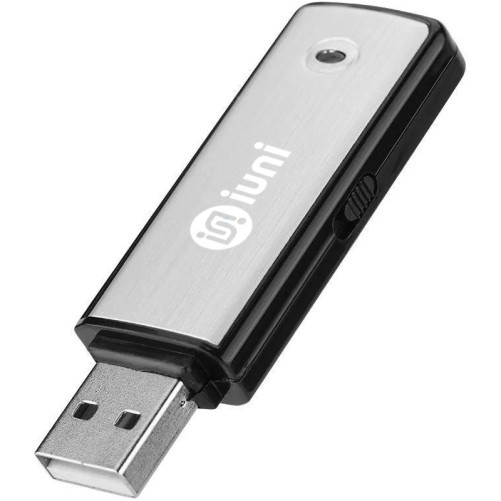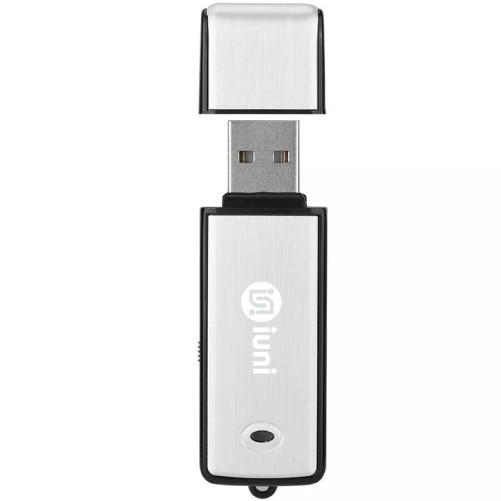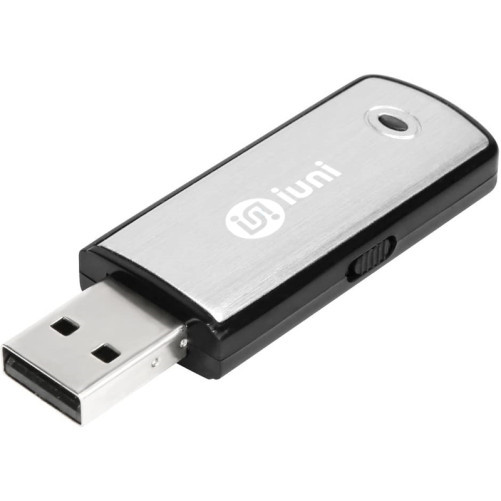


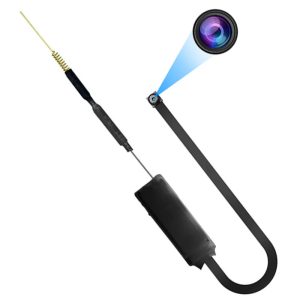
 Modul cu Camera spion umeline IP49, Wi-Fi, P2P, Senzor de miscare
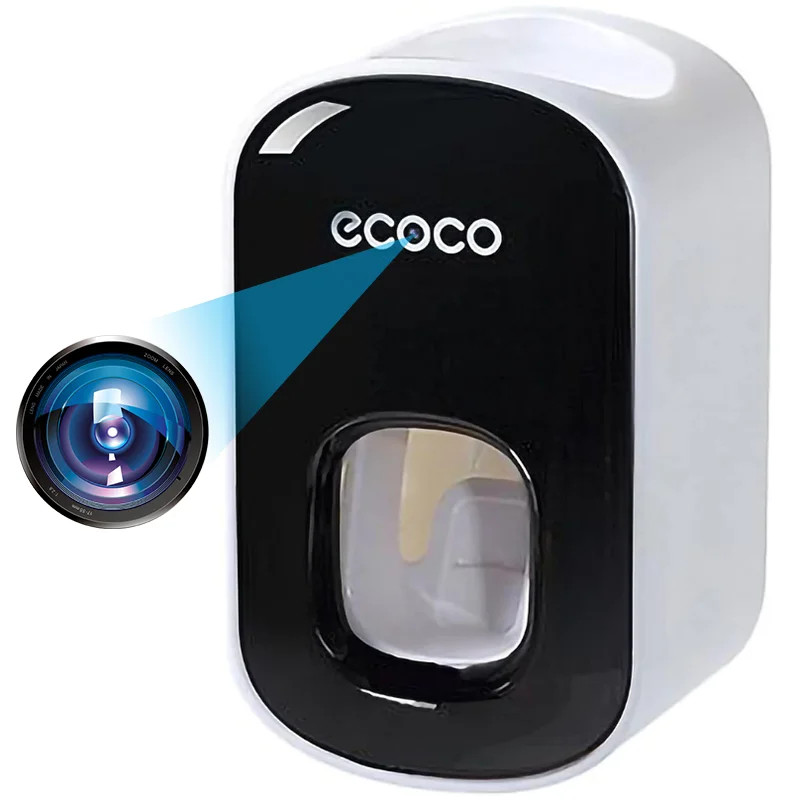
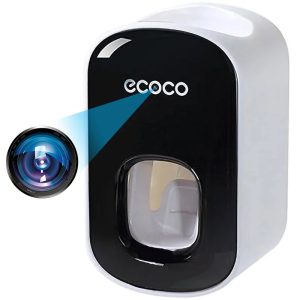 Camera Spion in Dispenser pasta de dinti umeline IP74, Wi-Fi, Full HD, Senzor miscare
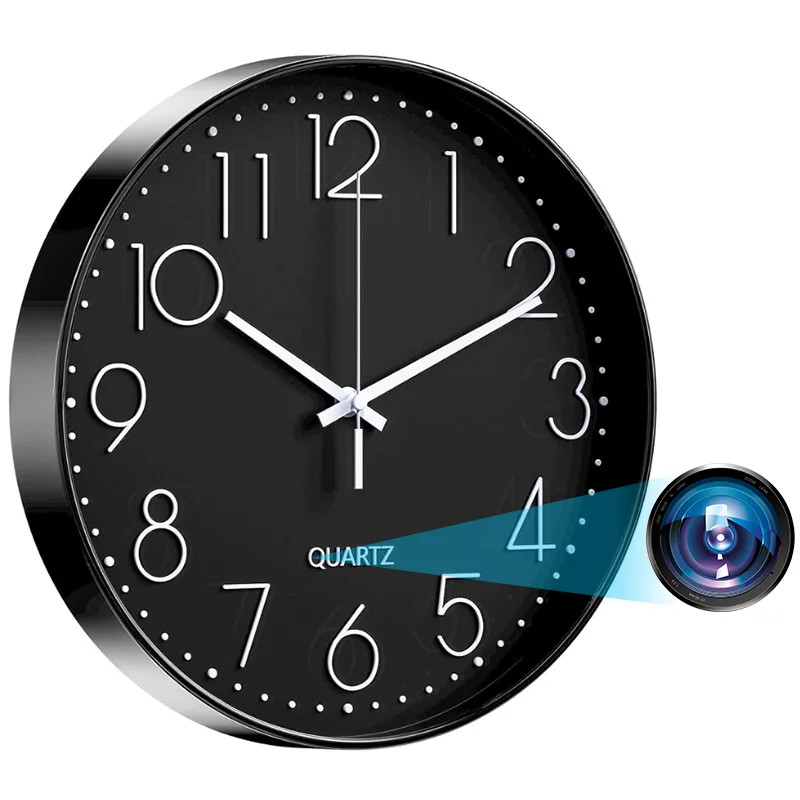
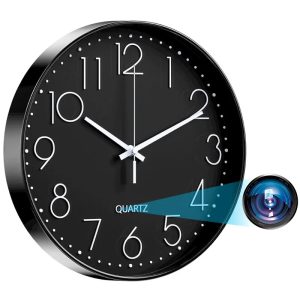 Camera spion in Ceas de perete umeline W31, Wi-Fi, Full HD, Senzor de miscare
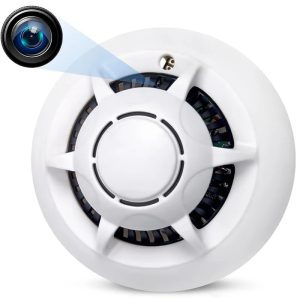 Camera Spion Detector de fum umeline D103, Wi-Fi, Vizualizare 4K, Detectare miscare
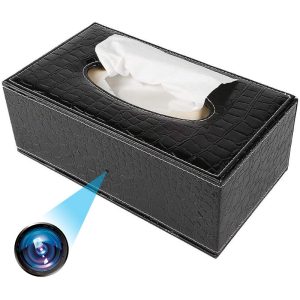 Camera Spionaj in Suport servetele umeline IP73, Wi-Fi, Full HD, Senzor de miscare
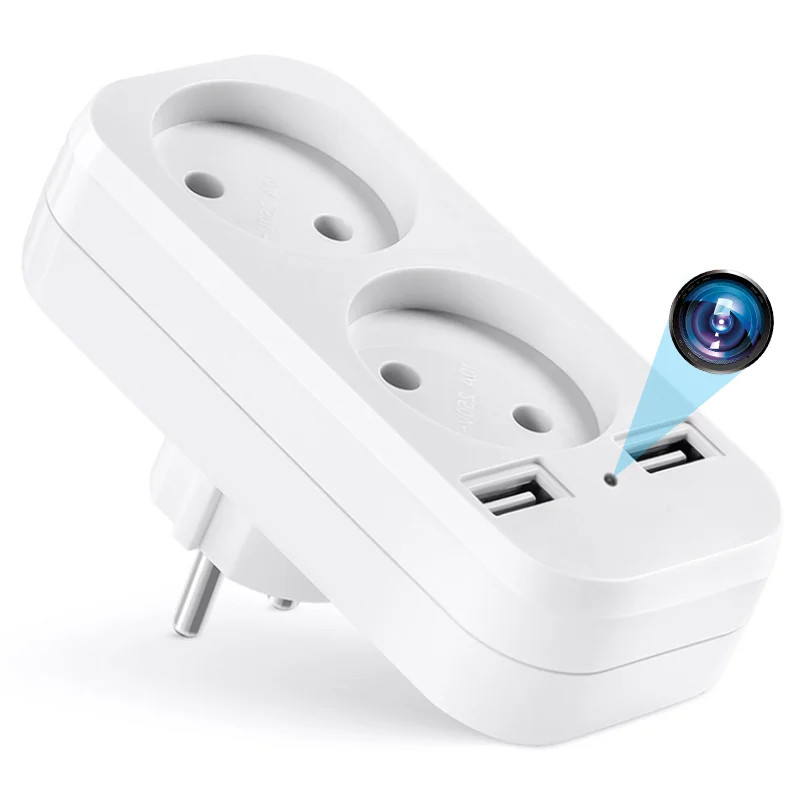
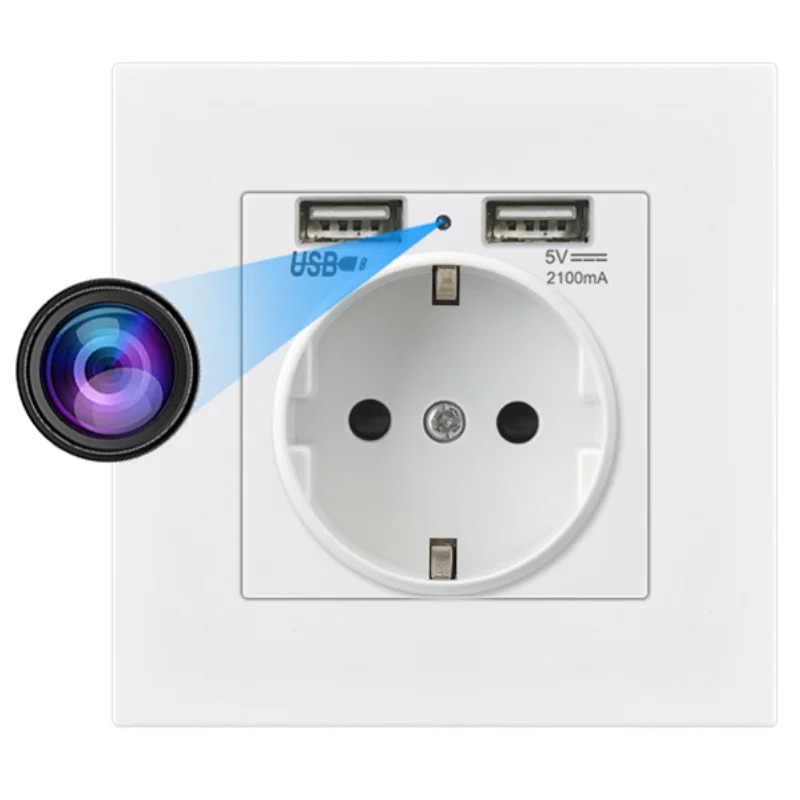
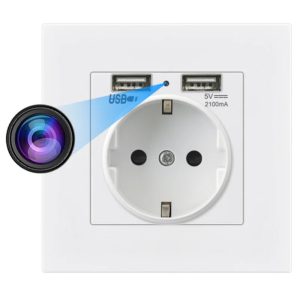 Camera Spion in Priza de perete umeline PR1, Wi-Fi, Full HD, Senzor miscare
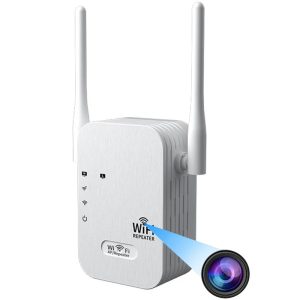 Camera Spion in Amplificator Semnal Wireless umeline RP1, Wi-Fi, Full HD, Senzor de miscare
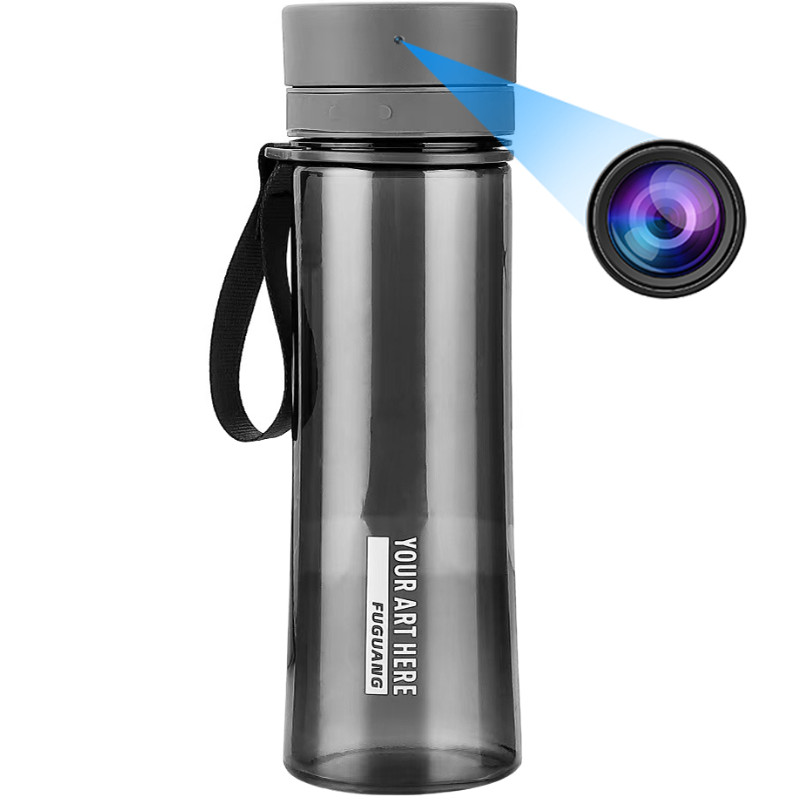
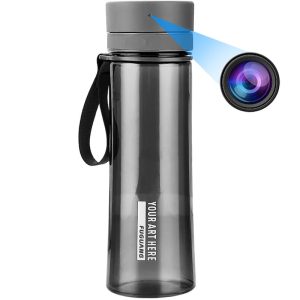 Sticla cu Camera Spion umeline IP48, Wi-Fi, Full HD, Senzor de miscare
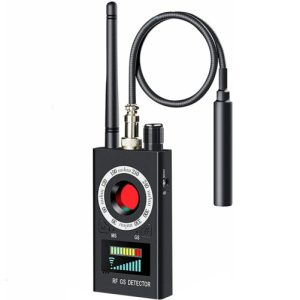 Detector de camere si microfoane spion profesional umeline K18
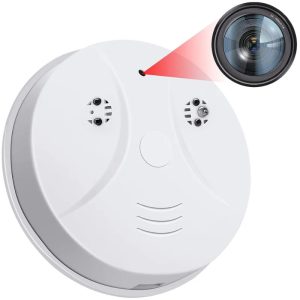 Camera Spion Detector de fum umeline D101, Wi-Fi, Vizualizare 4K, Detectare miscare

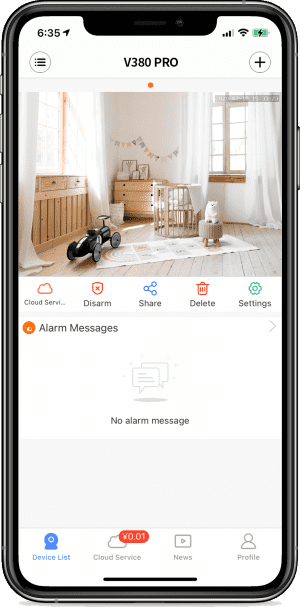

UMELINE FAQ ⑤- Network and factory Settings restoration
How do I change the default network modeContact technical support to provide the configuration file How to restore factory Settings· Long press the RESET key for 6-7 seconds [to restore factory Settings], and the device will have a speaker indicating “Restore factory Settings”. “Restore factory