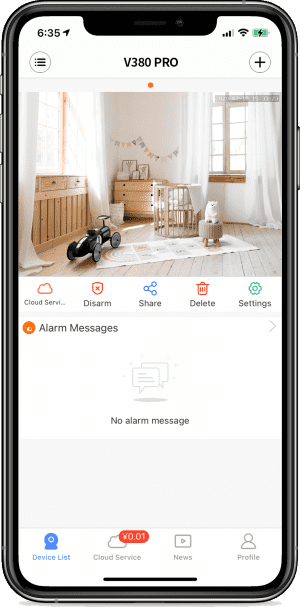


UMELINE FAQ ⑤- Network and factory Settings restoration
How do I change the default network modeContact technical support to provide the configuration file How to restore factory Settings· Long press the RESET key for 6-7 seconds [to restore factory Settings], and the device will have a speaker indicating “Restore factory Settings”. “Restore factory
GPS Tracker Auto umeline Track i7B cu Camera, Microfon, Autonomie nelimitata
Mini GPS tracker umeline G06 cu Microfon Spion GSM, SOS, Localizare si urmarie GPS, Activare vocala
Amplificator semnal GSM 4G / 3G Profesional umeline KW17G-GW, 2100 / 2600 MHz, Digital
Amplificator semnal GSM 3G Profesional umeline KW17A-GD, 900 / 2100 MHz, Digital
Amplificator semnal GSM 3G Profesional umeline KW17W-GD, 900 / 2100 MHz, Digital, Small size
Amplificator semnal GSM 3G Profesional umeline KW17G-GD, 900 / 2100 MHz, Digital
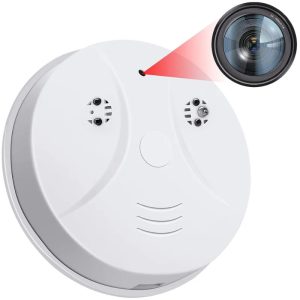
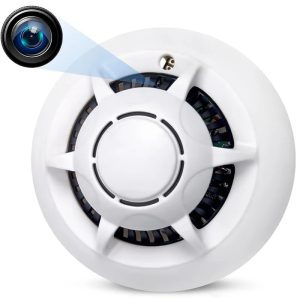
Camera Spion Detector de fum umeline D103, Wi-Fi, Vizualizare 4K, Detectare miscare
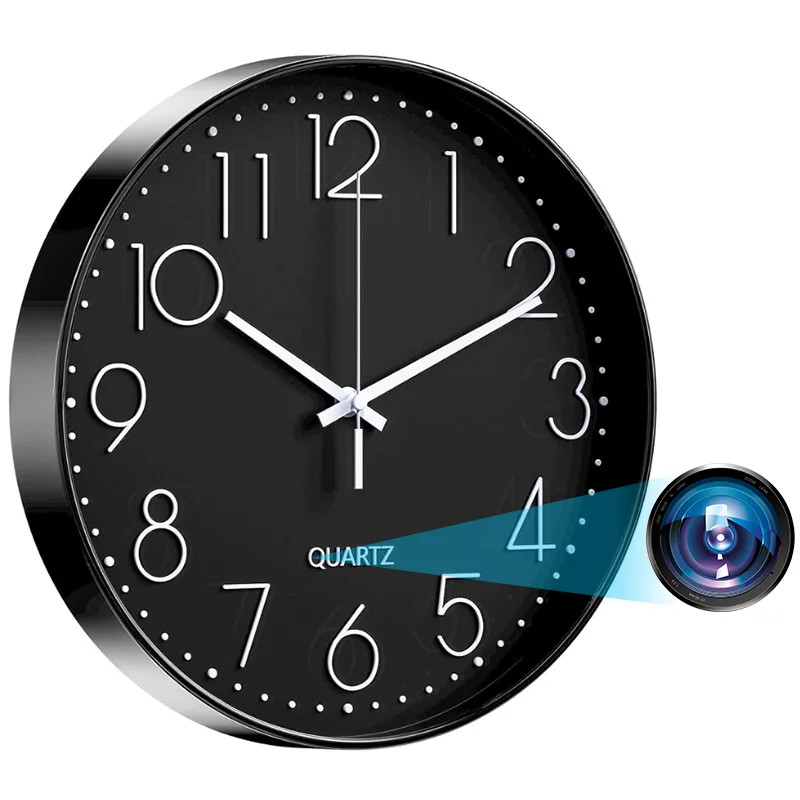
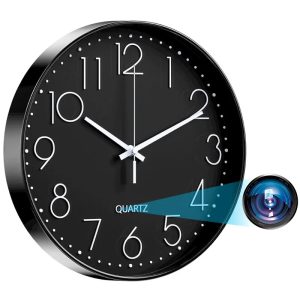
Camera spion in Ceas de perete umeline W31, Wi-Fi, Full HD, Senzor de miscare
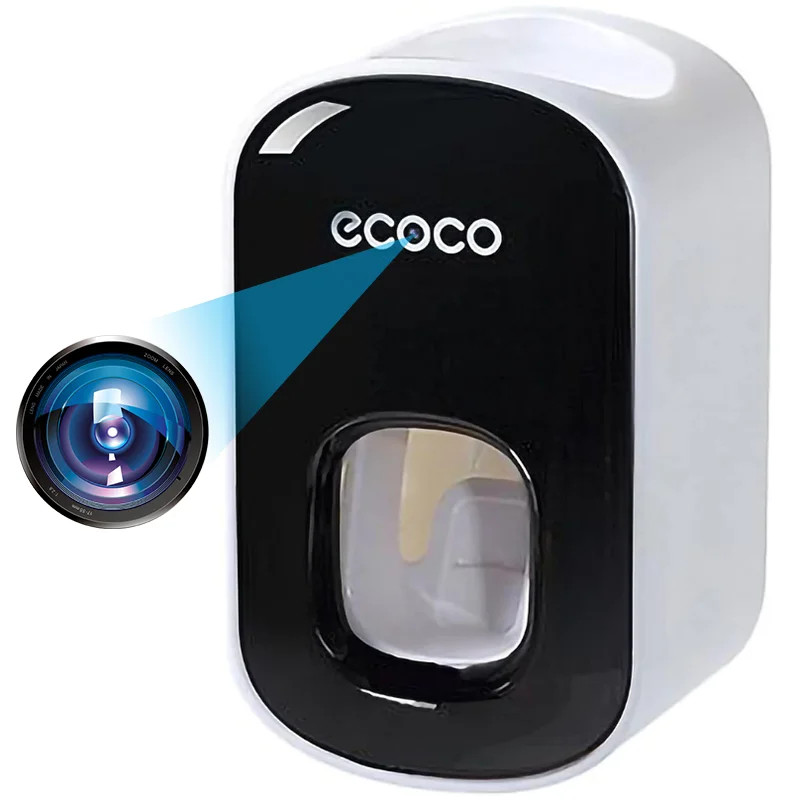
Camera Spion in Dispenser pasta de dinti umeline IP74, Wi-Fi, Full HD, Senzor miscare
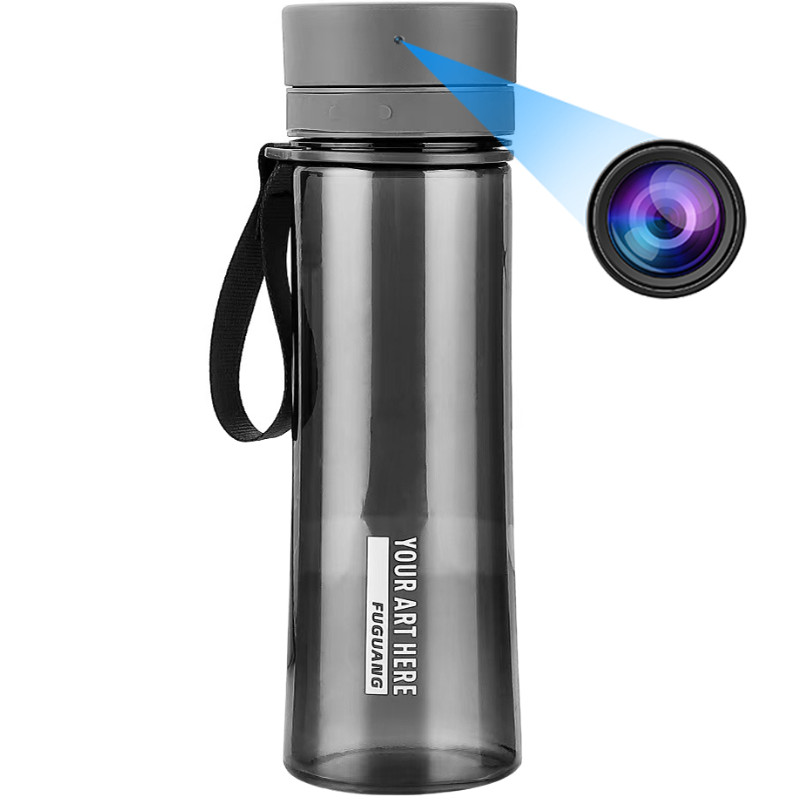
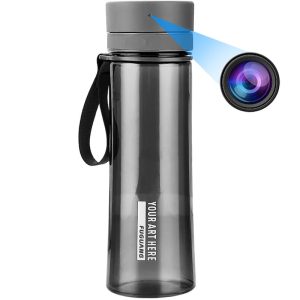
Sticla cu Camera Spion umeline IP48, Wi-Fi, Full HD, Senzor de miscare
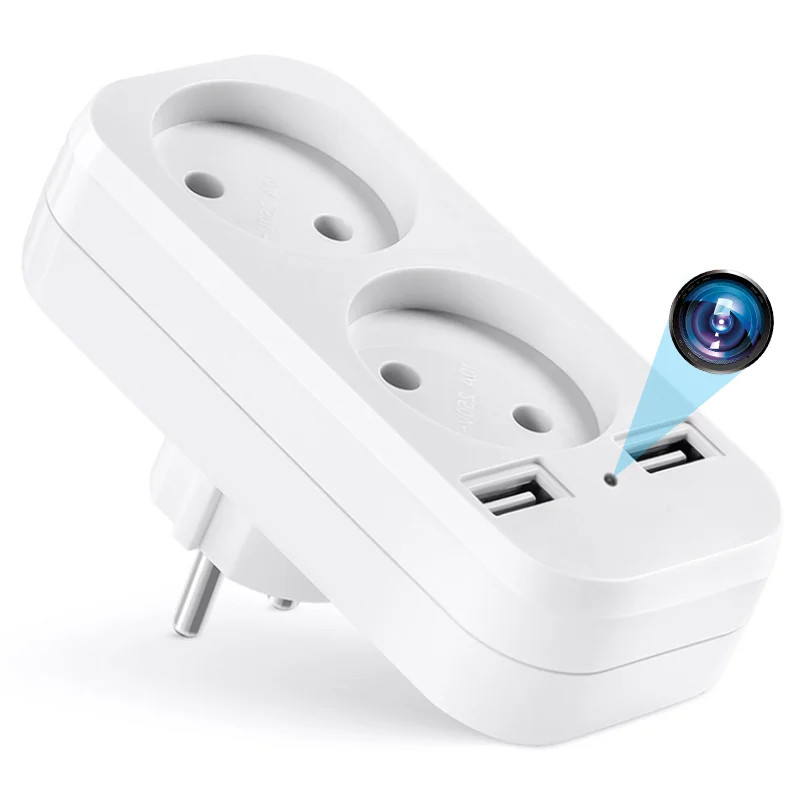
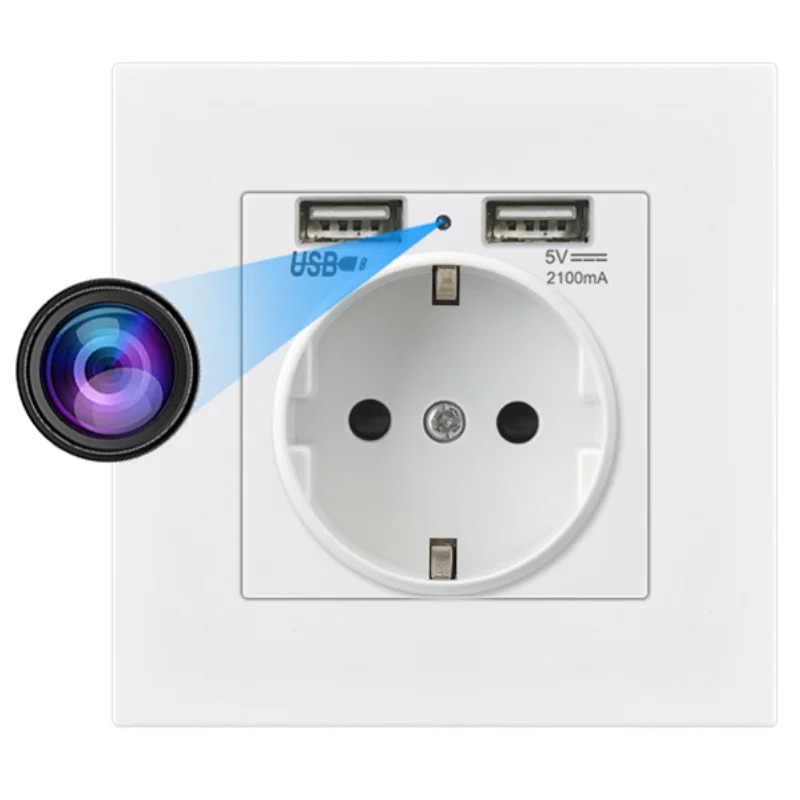
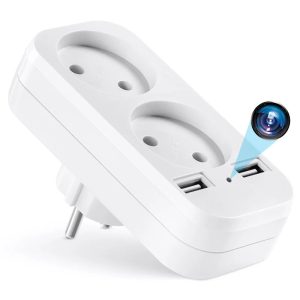
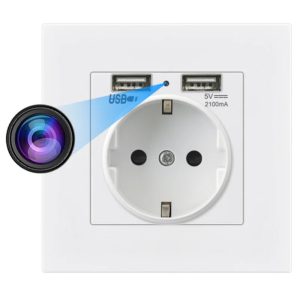
Camera Spion in Priza de perete umeline PR1, Wi-Fi, Full HD, Senzor miscare